Price Type
Price Type in JOVA POS allows users to view various product price categories. This page displays the types of prices applied to products, such as Normal Price, and the status of each price type whether Active or Inactive.
Price Type Page View
1. Price Type Page Display
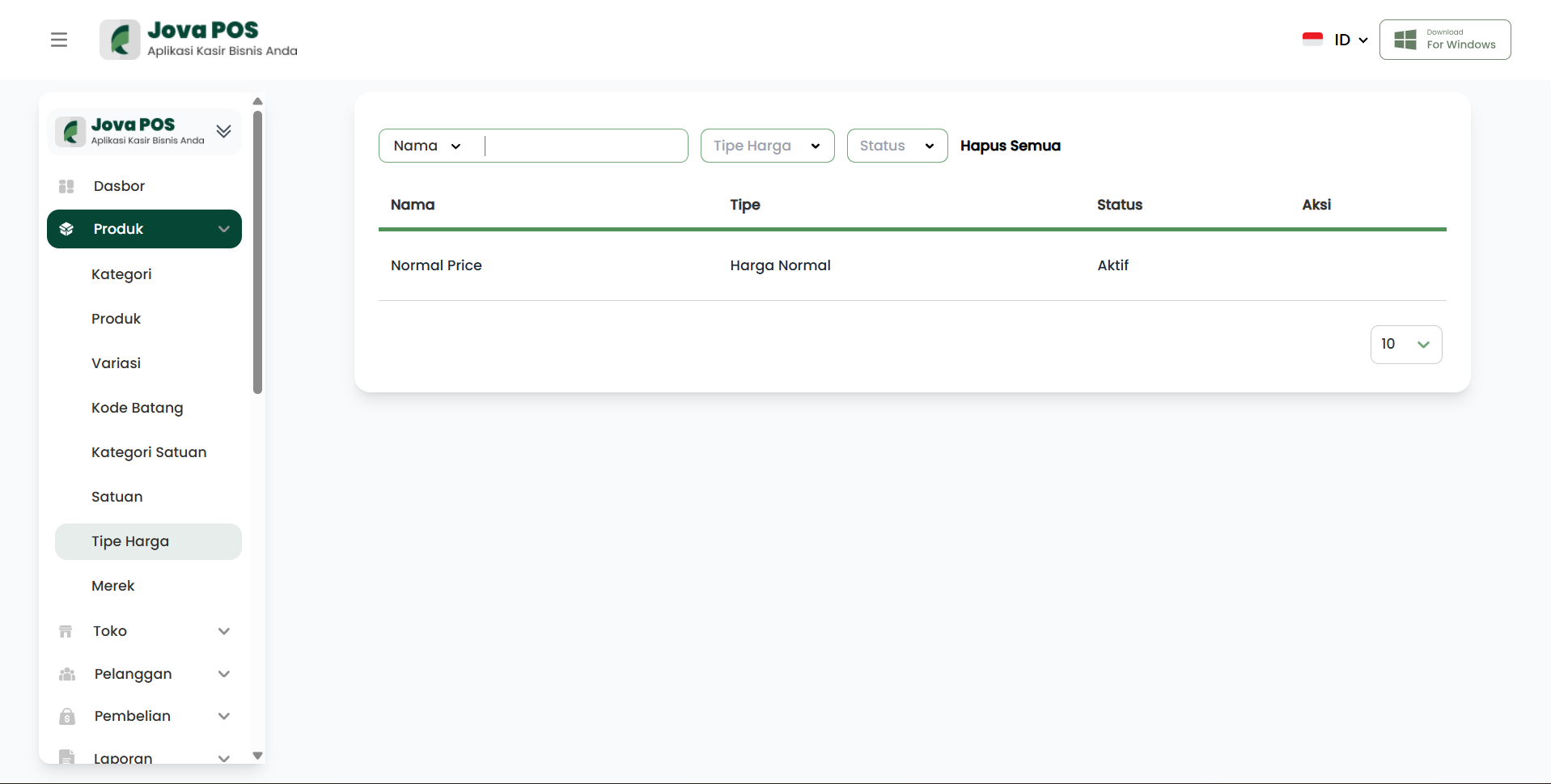
On the Price Type page, you will see a list of price types that have been applied to products in your store. Each price type has information about its status, whether Active or Inactive.
Price Type page view:
2. Price Type Information
On this page, each price type will display the following information:
- Name: The name of the price type, e.g., "Normal Price".
- Type: The type of price applied (e.g., Normal Price).
- Status: The status of the price type, whether Active or Inactive.
Conclusion
The Price Type feature in JOVA POS simplifies product price management by displaying different price categories for each product, as well as providing the active or inactive status of existing price types.